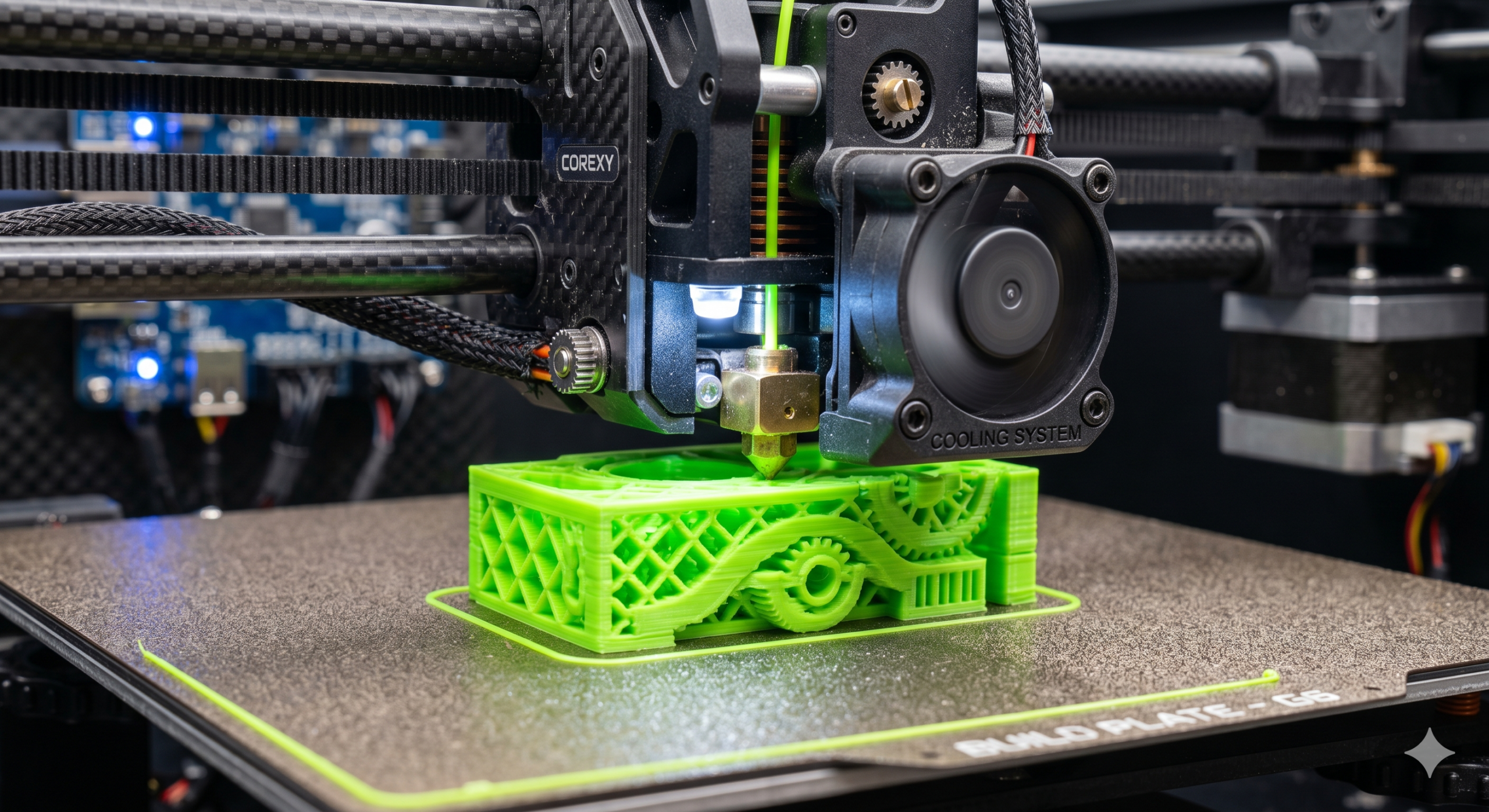
CoreXY printers raised the ceiling on how fast a hobbyist machine can move, and I think most people who bought into that speed ceiling haven’t actually calibrated their way up to it. Buying hardware capable of three hundred millimeters a second and running it at factory defaults is like buying a car with a redline nobody ever taught you how to use.
The first real gain sits in input shaping, and if you have never done it, the concept is straightforward even though the execution takes some patience. A toolhead slamming to a stop and reversing direction at high speed sends a vibration through the entire frame, and that vibration shows up on the print as ringing, faint ripples radiating out from every sharp corner. Input shaping works by measuring your specific printer’s resonant frequencies with an accelerometer mounted directly to the toolhead, then baking a correction into the firmware that cancels the vibration out before it ever reaches the plastic. It sounds abstract until you run the calibration once and watch a test print come out with genuinely flat, ripple-free walls that the same machine could not produce an hour earlier.
The part people skip, because it is less visually satisfying than a resonance graph, is volumetric flow. Speed is meaningless if the hotend cannot melt plastic fast enough to keep up, and the honest way to find your machine’s real ceiling is a systematic flow test per material: print a shape that pushes flow rate progressively higher until the layers start under-extruding and the part goes visibly weak. That number, not the marketing figure on the printer’s box, is your real speed limit for that specific filament.
Cooling ties the other two together and gets the least attention. A layer laid down in a fraction of a second needs to be solid before the next pass arrives on top of it, and a standard single fan simply cannot move enough air to make that happen reliably at these speeds. An auxiliary cooling setup that floods the whole surface evenly isn’t an optional upgrade at this point; it is closer to a prerequisite for the sharp overhangs and clean bridges that make a fast printer’s output look as good as its speed suggests it should.
None of this is complicated individually. What I think trips people up is treating speed as a single number you dial up, rather than three separate systems- motion, melt rate, and cooling- that all have to be tuned together before the headline speed figure on the box means anything on your actual desk.